
A calmer night
Designed to disappear into your evening.
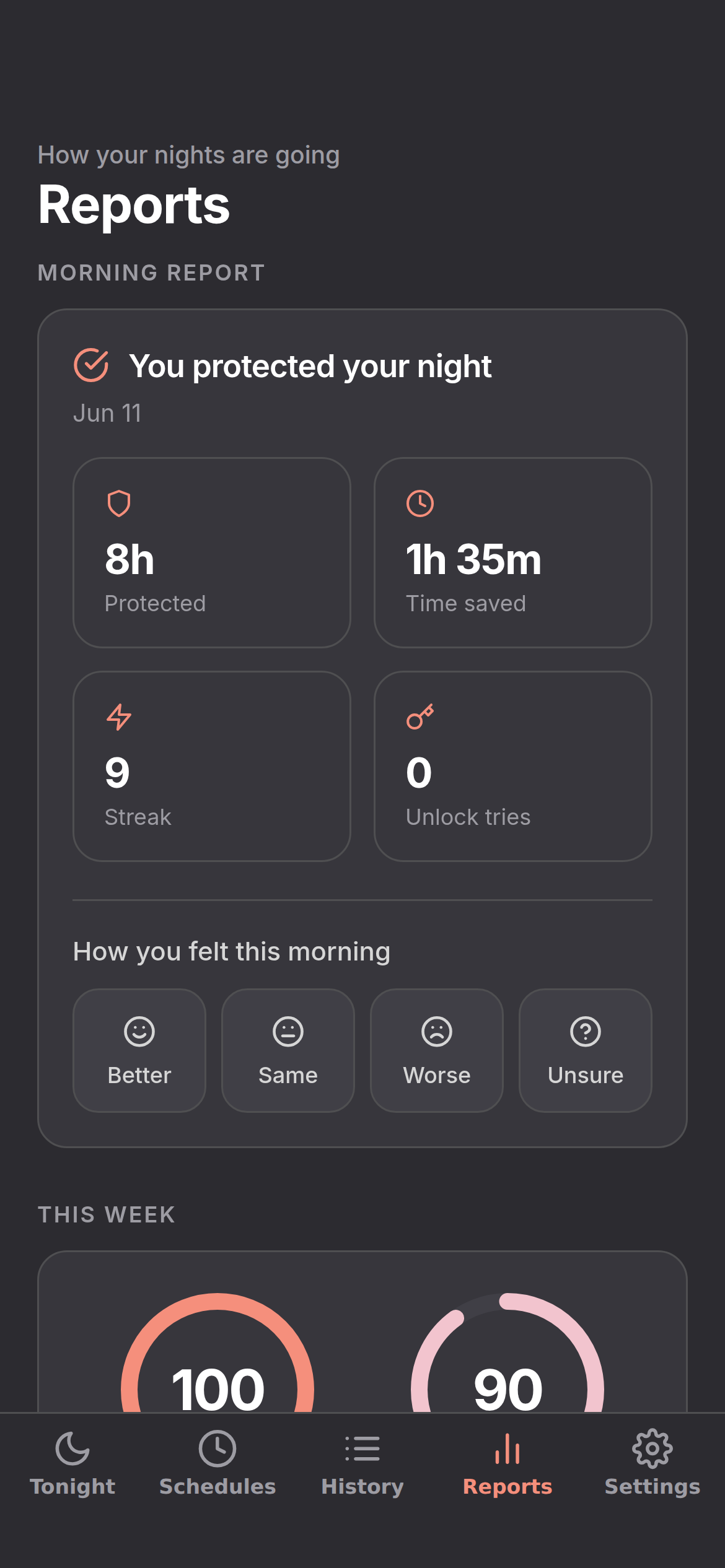
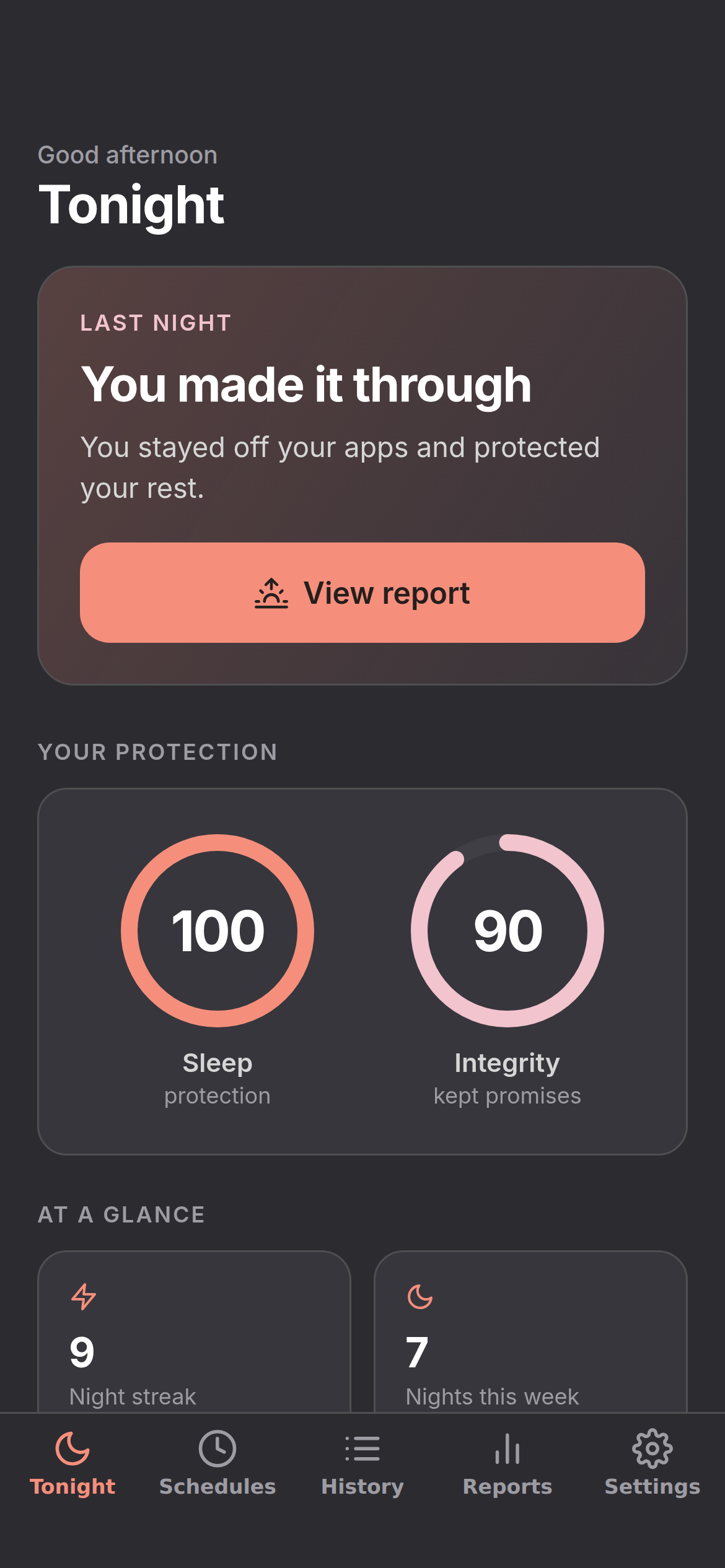
No streak-shaming, no noise. Just a quiet boundary you set in advance and a few honest numbers in the morning.
The honest part
Why screen time limits fail.
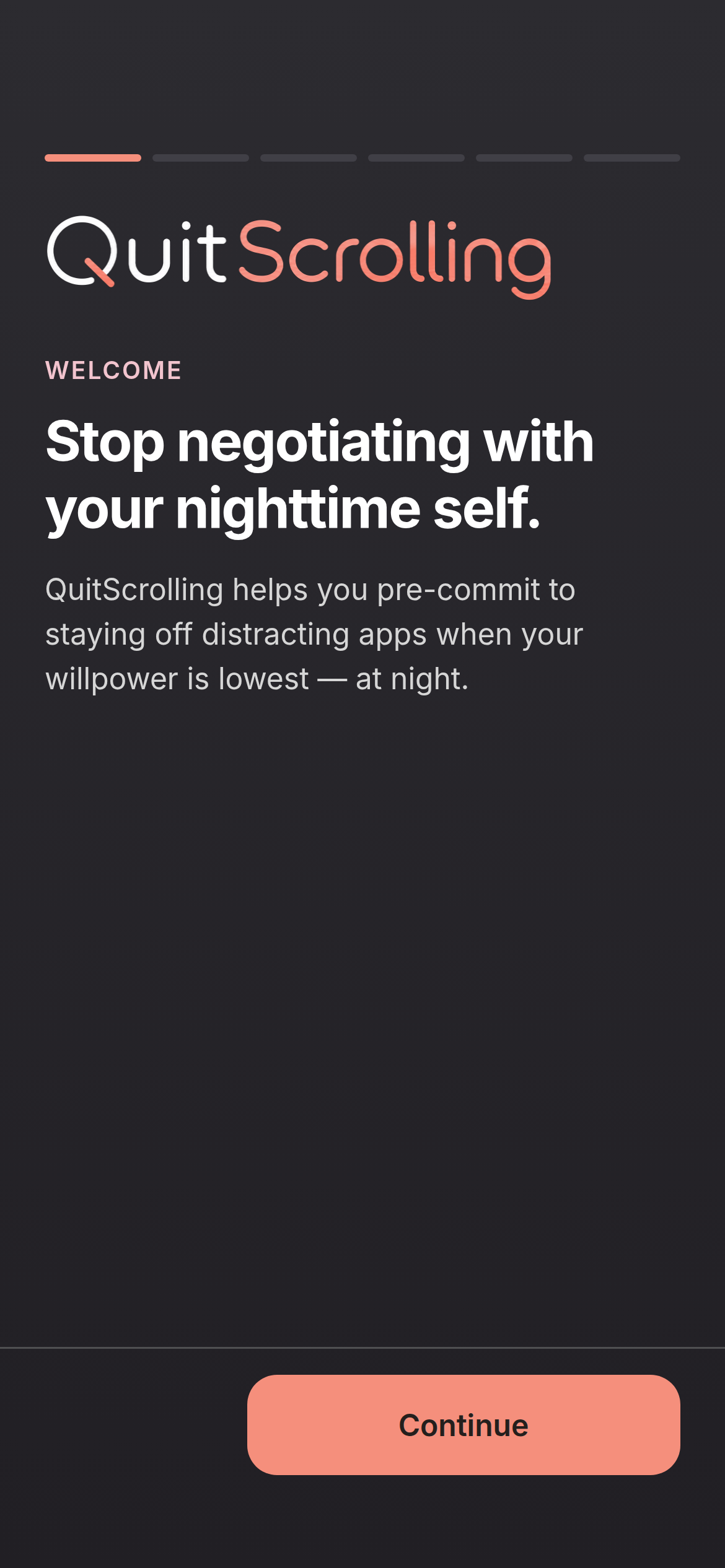
Most blockers are designed for daytime productivity. Nighttime is different.
Too easy to bypass
Tapping "Ignore for 15 minutes" requires zero effort. When you're tired, you'll tap it every time.
Willpower depletion
You start the day with strong intentions, but by 11 PM your executive function is gone.
Fear of missing out
We leave apps unblocked "just in case," and end up doomscrolling instead.
How it works
Intentionally inconvenient.
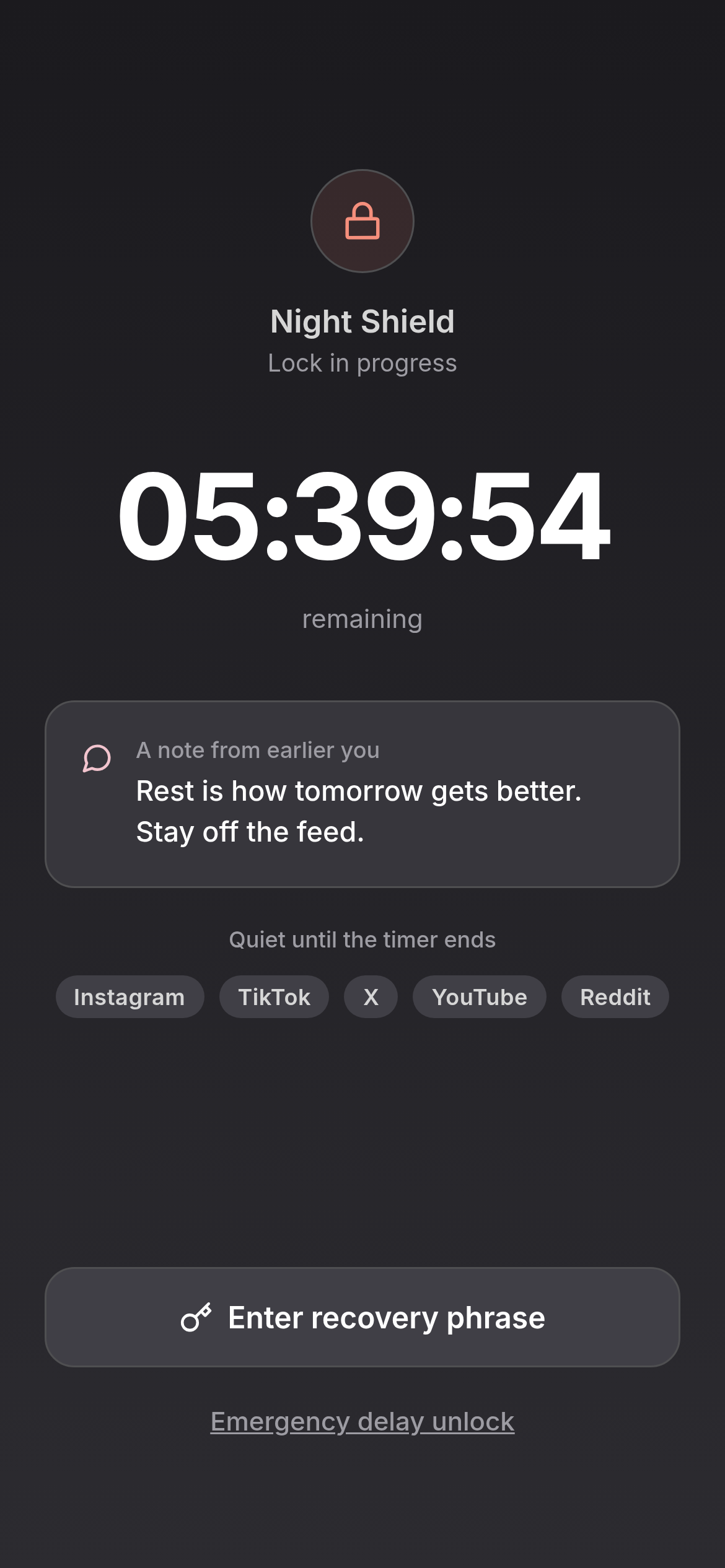
When you create a commitment lock, you write down a random five-word recovery phrase on paper. Breaking the lock means getting up and finding it.
- Pre-commitmentSet your boundary during the day when you're thinking clearly.
- Emergency access existsYou can always reach your phone in an emergency. Essential apps are never blocked.
- Impulse access does notTo unlock early, you have to get out of bed, find your paper, and type the phrase. That friction is usually enough.
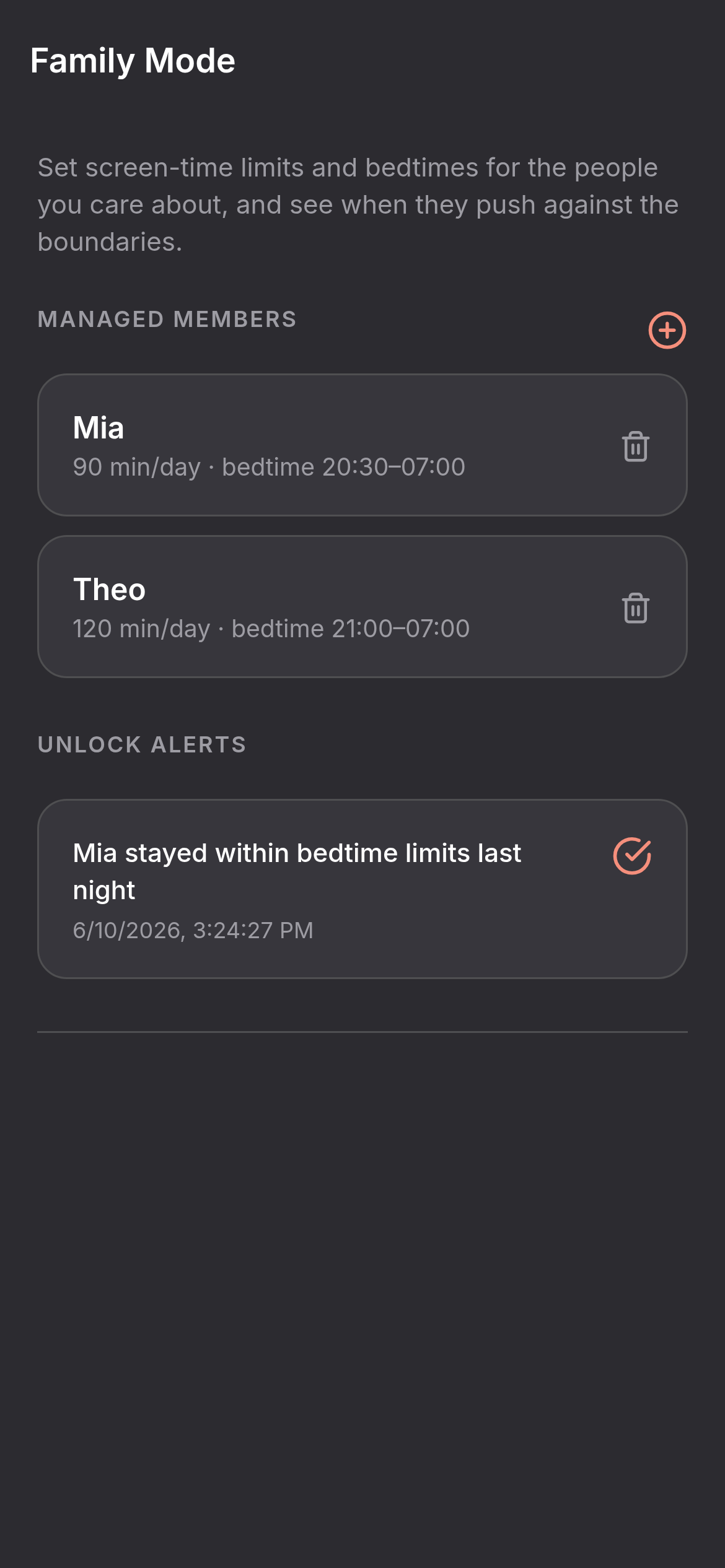
Family Plus
Nighttime boundaries without nightly arguments.
Set protected hours, keep emergency access available, and get notified if a lock is broken.
School-night limits
Bedtime app blocking
Parent unlock alerts
No message monitoring